Angular Archives ⋆ Page 2 of 3 ⋆ Bossable
  • Latest
  • Store
  • Mean Stack
  • 30 Day MEAN Stack Challenge
  • Web Apps
  • Tech
  • Say Hello
Home \ Tag "Angular" (Page 2)

Angular

Date Title Views Comments
  • Date
  • Title
  • Views
  • Comments

Add an AngularJS module to your MEAN Stack App

1273 4

I’ve been getting a few questions on how to go about adding external/custom modules to a MEAN Stack app. If the module is vanilla JavaScript, it’ll need some additional work to create one or more directives, but assuming you have an Angular module, such as one from this site: http://ngmodules.org/, then the process is fairly […]

MEAN Stack – Custom tags with AngularJS directives – Day 24

1169 4

In this video we’ll create our own custom AngularJS directive. We’ll look at pulling out our list of customers and putting it into its own template, we’ll then glue the view and list back together using a directive.

We look at:
– An introduction to directives
– Locating Angular directives within our code
– Different types of directives
– The AngularJS documentation on directives
– Referring to directives using camel-case
– Creating our own custom elements/tags
– Moving our reusable code into a template
– Gluing our custom elements and template together using a directive
– Cleaning up our customer routes

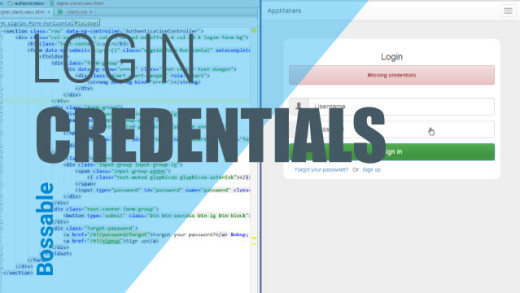
MEAN Stack – AngularJS & PassportJS Login Credentials – Day 7

1966 4

We look at:
– The MEAN Stack Sign-in page
– Creating CSS styles
– Passport.js error messages
– Introduction to Bootstrap Alerts
– Exploring the Angular.js code on the Sign-in page
– Homework – Can you format the Sign-up page? Let me know how you go!

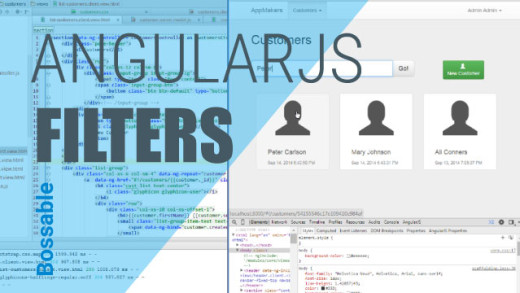
MEAN Stack – Customer Search using AngularJS Filters – Day 18

1298 3

In this video we’ll add a search input and new customer button to our List Customers Page. We’ll also use AngularJS Filters to connect our search input to our list of customers, to let us filter through our list of customers.

We look at:
– Continuing to set up the List Customers Page
– Determining the grid layout for mobile vs. larger devices
– Using col-xs and col-sm to change grid sizes based on device size
– Finding and using Bootstrap classes for input-groups for our search bar
– Adjusting the size of input-groups and buttons to align to the wireframe
– Connecting the search input to the list of customers
– Finding Angular Filter documentation on the AngularJS website
– Using Angular Filter syntax to add filtering functionality to our app
– Adding place-holder text to our Search input

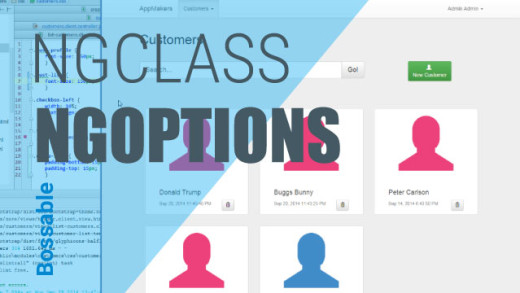
MEAN Stack – Answering Q’s with CSS & AngularJS directives – Day 28

1012 3

In this video we’ll clean up our app and answer some questions sent through via email and posted on the Bossable.com site. We’ll fix some errors, pretty up our customers list, add a picklist using ng-options, and fix the alignment between channel and email.

We look at:
– Fixing some of the task errors identified by Grunt
– Using Chrome to test out adding some padding between the customer records in the customers list
– Adding a new class with padding to our customers css file
– Using ng-class to add some colours to the customers list based on the referred field.
– Increase the size of the icon on the customers list
– Adding drop down values to our app using ng-options
– The AngularJS documentation and examples for ng-options
– Adding ng-options to our controller and edit customers client view
– Testing our new picklist in the Update Customer Modal
– Fixing the alignment of fields between the Channel and Email fields.

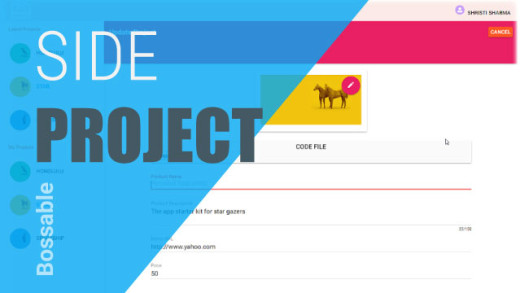
AngularJS Material Design Side Project Sneak Peak

1552 3

I’ve been playing around with Angular Material a lot lately, and I’ve been really impressed with how easy it is to create pretty web apps, (once you get the hang of it).

There are so many cool things that I’d like to share, but I don’t know where to begin! So in this video, I’ll take you through my latest side project, and show you the types of things that are possible.

MEAN Stack – Style our AngularJS Create Modal & Delete Customers – Day 26

1164 2

In this video we’ll style our AngularJS Create Customer Modal, and create our first customer using our new Modal. We’ll then add functionality to delete Customers from our list.

We look at:
– A quick recap of opening up our new Create Customer Modal
– Changing the ng-class reference for the Referred field (from danger to pink)
– Making the Surname field a required field
– Creating a reference from our model fields back to our controller
– Creating a new customer using our Create Customer Modal
– Checking our console logs to tell if our record was saved
– Refreshing the page to show our new customer record
– The functions that are still missing from our Controllers
– Adding ‘Delete’ functionality to our controller
– Adding a new button with ng-click to call the delete functionality
– Deleting a customer record from our list of customers

MEAN Stack – Modelling with Mongoose – Day 10

2026 2

In this video we’ll take a look at the Mongoose package, and set up our customers model that we’ll use to create our customers MongoDB collection.

We look at:
– The Customers Pages, with a focus on the create customer storyboard
– The Mongoose website
– The Mongoose documents relating to ‘Defining your schema’
– Setting up our Customers model, based on our storyboard

MEAN Stack – Listing Customers with AngularJS & Bootstrap – Day 17

1323 1

In this video we’ll use Angular directives and Bootstrap plus a bit of CSS to begin to format our List Customers Page. During the video, we also have a look at Angular Filters and a reference to the Angular documentation for Filters.

We look at:
– Setting up the List Customers Page
– An introduction to Angular Filters
– AngularJS Documentation for Filters on the angular.org website.
– Using population to display the name of the user who created a Customer record
– Using Bootstrap and Angular to format our List of Customers
– Using Bootstrap columns to display differently depending on the device used
– Using CSS to style our User icons

MEAN Stack – Client & Server Glue – Day 11

1804 1

In this video we’ll update the customers model, and look at how the model links through the various files and down to the angular customer controller. Then we’ll start making some updates to our angular controller.

We look at:
– Quick updates to the Customers Model
– The glue between the Customers Server Model and the Customers Server Controller
– The glue between the Customers Server Controller and the Server Routes
– The glue between the Server Routes and the Angular Factory Service
– The glue between the Angular Customers Factory Service and the Angular Customers Controller
– Lastly, we update the create function within the Angular Customers Controller to include the data that we want to pass to our Customers Server Model

AngularJS Material Design Toolbar Tips and Tricks

5433 0

We look through the AngularJS Material Design starter app, with tips and tricks for Toolbars: including, layout=”row”, layout=”column”, md-tall, tabs and themes.

When new technology is already obsolete

749 0

I’ve been using the MEAN stack for quite some time now (MEAN is a web app stack which consists of MongoDB, Express, Angular, Node). In the last few months, the stack, predominately the ‘A’ (Angular.js) part of the stack has gone through a process of transition. This has been a bit of an awkward time […]

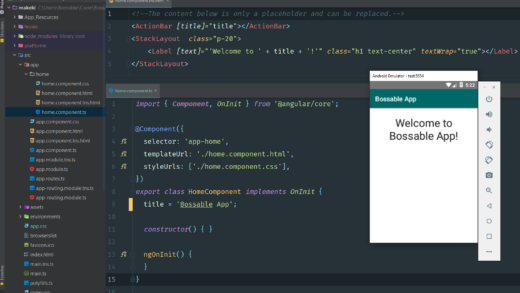
Quick overview for starting an Android App using Angular

0 0

I’m really interested to see just how far the Angular Web/Mobile development experience has grown over the last few years. So, let’s get into the nitty gritty of starting an Android app using Angular.

MEAN Stack: Create an AngularJS Controller with Yeoman

426 0

In this video we’ll use the yeoman generator to create new Angular.js Controller and test files.

MEAN Stack: Create an AngularJS Directive with Yeoman

400 0

In this video we’ll use the yeoman generator to create a new Angular.js directive.

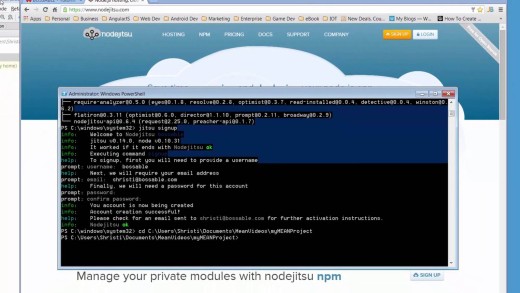
MEAN Stack – Deploy to Nodejitsu

483 0

In this video we’ll deploy our app to Nodejitsu. Installing the npm package ‘jitsu’, Using the jitsu package, Updating our package.json file for Nodejitsu

MEAN Stack – Express.js & Client-side Assets – Day 29

1157 0

In this video we’ll look at express.js, and how it hooks together the back-end of our MEAN app. We’ll also look at setting up client side CSS and JS assets for our app, both core and minified versions.

We look at:
– Expressjs.com documents and key pages to start with
– The different packages that make up the express portion of the MEAN Stack
– The Server.js file, and how it is used to connect off to a number of other files that run our app
– The Express.js file, and how different elements of the app files are loaded and used by Express.
– The environment files that are used to load CSS and JS assets for our app
– Loading core and minified files as assets for our app
– Loading assets and connecting to MongoDB in a production environment
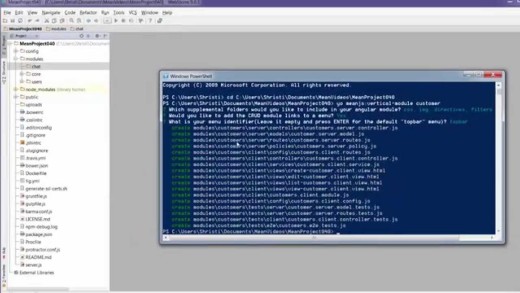
MEAN Stack – Using an AngularJS UI Modal to Update Customers – Day 19

1936 0

In this video we go through an introduction to using Angular UI, and using Angular UI directives in place of Bootstrap JavaScript components. We also start to set-up our ‘Update Customer’ Modal window.

We look at:
– Using Angular UI Bootstrap for JavaScript Bootstrap components
– When custom directives would be used to include vanilla JavaScript to an Angular App
– An Introduction to Angular UI: http://angular-ui.github.io/bootstrap/
– Working through an example of Angular UI for modal windows
– How the Angular UI modal examples ties back to the example code
– Including Angular UI model code back in our app to create an Update Customer Modal

MEAN Stack – MongoDB Queries & AngularJS Scope – Day 15

1882 0

In this video we’ll take a detailed look the query functionality used to return a list of customers from MongoDB to the Angular scope. We’ll also look at how to display the returned data on the List Customers Page.

We look at:
– The List Customers Page that was created from the Yeoman Generator
– The use of the data-ng-init directive
– The workings behind the find() function
– The working behind the Customers.query and how it maps up to search the MongoDB
– Following through the query function from the Angular controller and through to the router and the customer.server.controller
– The mongoose code that is used to query MongoDB to return a list of customers
– Finding query documentation on the MongoDB website
– Using the AngularJS Batarang Plugin to look at the Customer data on the List Customers Page
– The syntax used to display data from the Angular Customers scope on the List Customers Page

MEAN Stack – AngularJS Models in Bootstrap Forms – Day 12

1961 0

In this video we’ll take the changes that we’ve made to the Angular Customers controller, and start mapping the Angular Model to the Create Customer Page. We also begin to style our Create Customer Page based on our Wireframes.

We look at:
– The Yo generated Create Customer Page, and how we find it using the Angular Routes
– Why the page wouldn’t work because we removed the ‘name’ field from our Schema
– Identify the required bootstrap grid based on our wireframes
– Begin to style the Create Customer Page based on our wireframes
– Some tips and tricks on styling Bootstrap for mobile devices
– We map the Angular customer model to our inputs

Bossable - From idea to boss, with fun and friendly tutorials and videos
  • © Bossable 2015
  • Tech
  • Mean Stack
  • Contact Us
  • Privacy
  • Terms
  • Close
  • Latest
  • Store
  • Mean Stack
  • 30 Day MEAN Stack Challenge
  • Web Apps
  • Tech
  • Say Hello