The MEAN stack: MongoDB, Express, AngularJS, and NodeJS
  • Latest
  • Store
  • Mean Stack
  • 30 Day MEAN Stack Challenge
  • Web Apps
  • Tech
  • Say Hello
Home \ Mean Stack (Page 3)
AngularJS Custom Actions for ExpressJS

AngularJS Custom Actions for ExpressJS

AngularJS + Nodemailer Contact Form

AngularJS + Nodemailer Contact Form

MEAN Stack – Deploy to Azure

MEAN Stack – Deploy to Azure

AngularJS Material Design Toolbar Tips and Tricks

AngularJS Material Design Toolbar Tips and Tricks

AngularJS Material Design Side Project Sneak Peak

AngularJS Material Design Side Project Sneak Peak

AngularJS Material Starter App in the Mean Stack

AngularJS Material Starter App in the Mean Stack

AngularJS Material Design in your MEAN Stack

AngularJS Material Design in your MEAN Stack

MEAN.js Transition to 0.4 – Part 2

MEAN.js Transition to 0.4 – Part 2

MEAN.js Transition to 0.4 – Part 1

MEAN.js Transition to 0.4 – Part 1

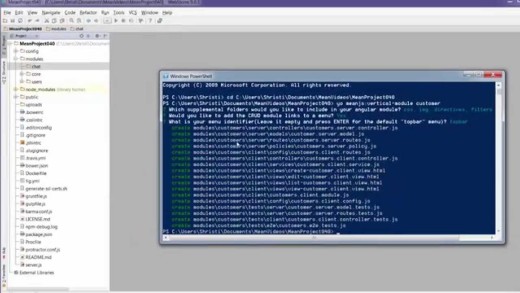
Create a vertical MEAN.js 0.4 crud module

Create a vertical MEAN.js 0.4 crud module

Install MEAN.js 0.4.0 and run using Gulp

Install MEAN.js 0.4.0 and run using Gulp

Set up a free MongoDB database using Compose.io

Set up a free MongoDB database using Compose.io

MEAN Stack – Side by Side with Version 0.4.0

MEAN Stack – Side by Side with Version 0.4.0

Add an AngularJS module to your MEAN Stack App

Add an AngularJS module to your MEAN Stack App

MEAN Stack: Create an AngularJS Controller with Yeoman

MEAN Stack: Create an AngularJS Controller with Yeoman

MEAN Stack: Create an AngularJS Directive with Yeoman

MEAN Stack: Create an AngularJS Directive with Yeoman

MEAN Stack: Create an AngularJS Service with Yeoman

MEAN Stack: Create an AngularJS Service with Yeoman

MEAN Stack – Deploy to Digital Ocean

MEAN Stack – Deploy to Digital Ocean

MEAN Stack – Deploy to Nodejitsu

MEAN Stack – Deploy to Nodejitsu

MEAN Stack – Deploy to Heroku – Day 30(i)

MEAN Stack – Deploy to Heroku – Day 30(i)

Mean Stack

Date Title Views Comments
  • Date
  • Title
  • Views
  • Comments

MEAN Stack – Express.js & Client-side Assets – Day 29

1157 0

In this video we’ll look at express.js, and how it hooks together the back-end of our MEAN app. We’ll also look at setting up client side CSS and JS assets for our app, both core and minified versions.

We look at:
– Expressjs.com documents and key pages to start with
– The different packages that make up the express portion of the MEAN Stack
– The Server.js file, and how it is used to connect off to a number of other files that run our app
– The Express.js file, and how different elements of the app files are loaded and used by Express.
– The environment files that are used to load CSS and JS assets for our app
– Loading core and minified files as assets for our app
– Loading assets and connecting to MongoDB in a production environment
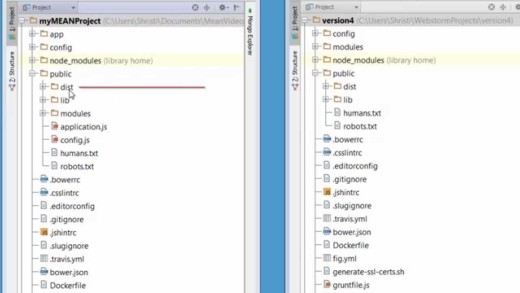
MEAN Stack – Side by Side with Version 0.4.0

1117 8

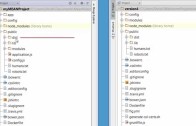
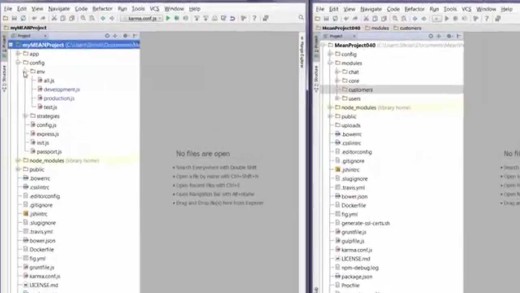
In this video we’ll compare the current version of MEAN.js and the upcoming version of the MEAN Stack to get an overview of the new folder structure as part of a sneak peak into version 0.4.0!

MEAN Stack – Answering Q’s with CSS & AngularJS directives – Day 28

1012 3

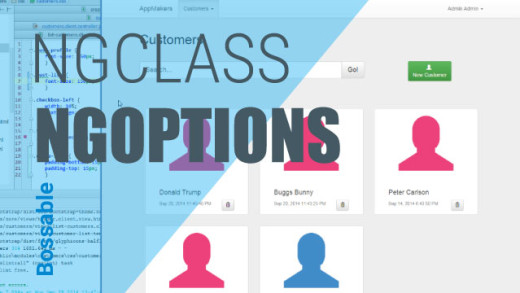
In this video we’ll clean up our app and answer some questions sent through via email and posted on the Bossable.com site. We’ll fix some errors, pretty up our customers list, add a picklist using ng-options, and fix the alignment between channel and email.

We look at:
– Fixing some of the task errors identified by Grunt
– Using Chrome to test out adding some padding between the customer records in the customers list
– Adding a new class with padding to our customers css file
– Using ng-class to add some colours to the customers list based on the referred field.
– Increase the size of the icon on the customers list
– Adding drop down values to our app using ng-options
– The AngularJS documentation and examples for ng-options
– Adding ng-options to our controller and edit customers client view
– Testing our new picklist in the Update Customer Modal
– Fixing the alignment of fields between the Channel and Email fields.

MEAN Stack – Deploy to Digital Ocean

959 3

In this video we’ll deploy our app to DigitalOcean.
For a free $10 Credit – use my referral ID: 3077d5b2118a www.digitalocean.com/?refcode=3077d5b2118a

We look at:
– The quick steps to create a new Digital Ocean account
– Downloading PuTTY if you’re using a Windows machine
– Creating SSH keys using PuTTYgen
– Adding SSH keys to Digital Ocean
– Creating a new Node.js Droplet
– Using PuTTY to connect to our new Droplet
– Checking the Node.js version of our Droplet
– Push our app up quickly to Bitbucket or GitHub
– Copy the SSH/HTTPS link for our Bitbucket project
– Install Git on our Droplet
– Create a copy of the app on our Droplet using Git and Bitbucket
– CD into the folder for the new app
– Npm install
– Bower install
– Grunt install
– Run our app using Grunt
– Connecting and opening up our app

MEAN Stack – Deploy to Azure

863 6

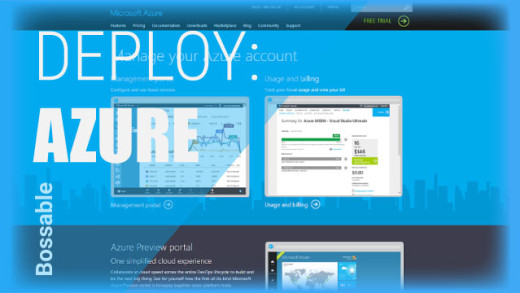
In this video we’ll look at: Nodejitsu is shutting down! We’ll deploy a mean stack app to Azure. We’ll look at how to create an Azure Web App, deploying to Azure using continuous source control, and fixing .NET errors following deployment.

AngularJS Custom Actions for ExpressJS

824 1

In this tutorial video we’ll look at using AngularJS resource services to communicate between AngularJS and your ExpressJS controllers.

MEAN.js Transition to 0.4 – Part 1

785 0

In this video, we’ll take the app that we prepared as part of the 30 day MEAN Stack Challenge, and move the files across into the new MEAN.js 0.4 app structure.

MEAN.js Transition to 0.4 – Part 2

553 0

In this video, we’ll take the app that we prepared as part of the 30 day mean stack app challenge, and move the customer module files across into the new 0.4 app structure.

MEAN Stack – Deploy to Nodejitsu

483 0

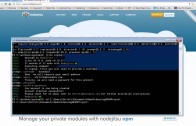
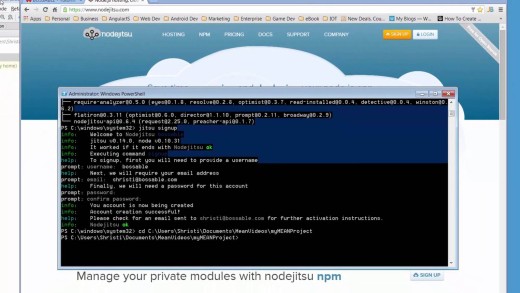
In this video we’ll deploy our app to Nodejitsu. Installing the npm package ‘jitsu’, Using the jitsu package, Updating our package.json file for Nodejitsu

MEAN Stack: Create an AngularJS Controller with Yeoman

426 0

In this video we’ll use the yeoman generator to create new Angular.js Controller and test files.

MEAN Stack: Create an AngularJS Directive with Yeoman

400 0

In this video we’ll use the yeoman generator to create a new Angular.js directive.

MEAN Stack: Create an AngularJS Service with Yeoman

381 0

In this video we’ll use the yeoman generator to create a new Angular.js factory service.

Bossable - From idea to boss, with fun and friendly tutorials and videos
  • © Bossable 2015
  • Tech
  • Mean Stack
  • Contact Us
  • Privacy
  • Terms
  • Close
  • Latest
  • Store
  • Mean Stack
  • 30 Day MEAN Stack Challenge
  • Web Apps
  • Tech
  • Say Hello