WebStorm Archives ⋆ Page 2 of 2 ⋆ Bossable
  • Latest
  • Store
  • Mean Stack
  • 30 Day MEAN Stack Challenge
  • Web Apps
  • Tech
  • Say Hello
Home \ Tag "WebStorm" (Page 2)

WebStorm

Date Title Views Comments
  • Date
  • Title
  • Views
  • Comments

MEAN Stack – Save data with an AngularJS Modal – Day 22

1634 23

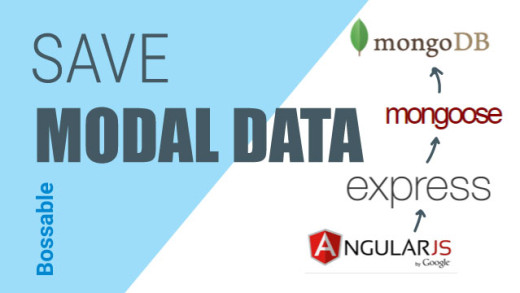
In this video we’ll continue setting up our Update Customer Modal instance using Angular UI. We’ll focus on the buttons within the Modal to trigger the update function, save the data and close the Modal window, or cancel out of the Modal window.

We look at:
– A recap of our Angular UI Customer Update Modal
– Locating the ‘ok’ and ‘cancel’ functions from the Angular UI documentation
– Adding the ‘ok’ and ‘cancel’ functions to the Update Modal instance
– Aligning our button details to our wireframes
– Adding the update function to the Customers Update Controller
– Adding a reference to the update function from the Update Modal
– Testing out our Model by updating customer details
MEAN Stack – Style our AngularJS Create Modal & Delete Customers – Day 26

1164 2

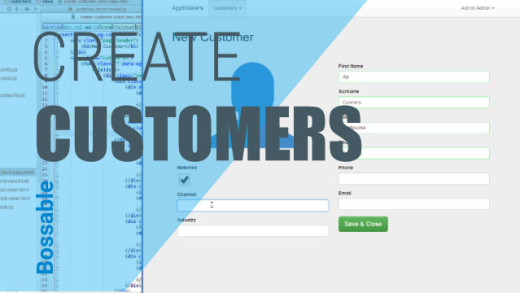
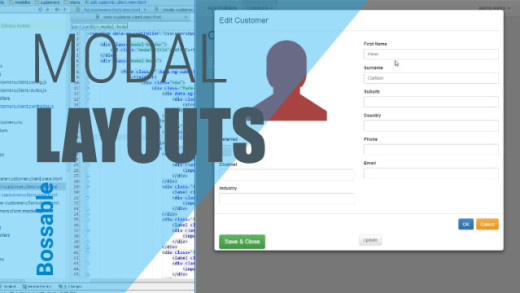
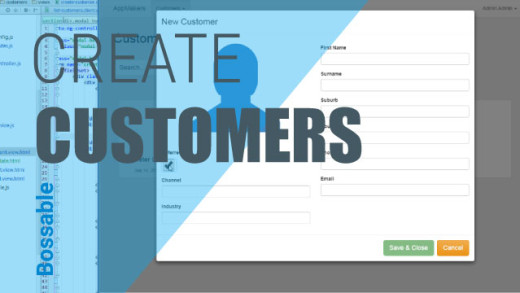
In this video we’ll style our AngularJS Create Customer Modal, and create our first customer using our new Modal. We’ll then add functionality to delete Customers from our list.

We look at:
– A quick recap of opening up our new Create Customer Modal
– Changing the ng-class reference for the Referred field (from danger to pink)
– Making the Surname field a required field
– Creating a reference from our model fields back to our controller
– Creating a new customer using our Create Customer Modal
– Checking our console logs to tell if our record was saved
– Refreshing the page to show our new customer record
– The functions that are still missing from our Controllers
– Adding ‘Delete’ functionality to our controller
– Adding a new button with ng-click to call the delete functionality
– Deleting a customer record from our list of customers

MEAN Stack – Style the Create Customer Page – Day 13

1724 21

In this video we continue styling the Create Customer Page and look at some Angular functionality. We also create our first Customer Record.

We look at:
– Using CSS to style the Create Customer Page
– Create a new Customers CSS File
– Increase the size of the User Glyphicon
– Align the Referred Checkbox to the left using CSS
– Use ng-class to dynamically change the colour of the User Glyphicon based on the Referred checkbox
– Check if we can create a Customer Record without logging in
– Log into the App so that we can use the Customers Menu
– Create our first Customer record
– Look at how $location can be used to route a user to a new view

MEAN Stack – Styling our AngularJS UI Customer Update Modal – Day 21

1331 6

In this video we’ll continue setting up our Update Customer Modal instance using Angular UI. We’ll focus on formatting and styling the Modal window to include the fields and styles that we need based on our wireframes.

We look at:
– A recap of our Angular UI Customer Update Modal
– Connecting to the customers scope to pass a selected customer’s details through to our Modal
– Updating the html template so that we have the formatting and styles as per our wireframes
– Testing to see if our Modal works with our ng-click directive
– Updating our html styles based on styles which are already part of the modal classes
– Passing through the details of a selected customer to the Update Modal

MEAN Stack – Using an AngularJS UI Modal to Update Customers – Day 19

1936 0

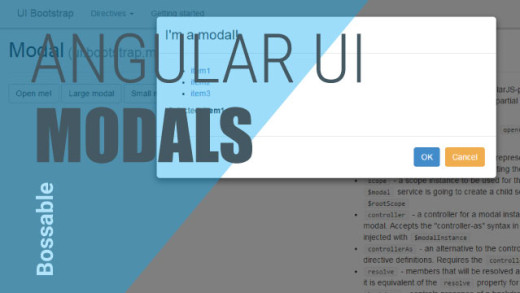
In this video we go through an introduction to using Angular UI, and using Angular UI directives in place of Bootstrap JavaScript components. We also start to set-up our ‘Update Customer’ Modal window.

We look at:
– Using Angular UI Bootstrap for JavaScript Bootstrap components
– When custom directives would be used to include vanilla JavaScript to an Angular App
– An Introduction to Angular UI: http://angular-ui.github.io/bootstrap/
– Working through an example of Angular UI for modal windows
– How the Angular UI modal examples ties back to the example code
– Including Angular UI model code back in our app to create an Update Customer Modal

MEAN Stack Intro to Bootstrap Grids Day 2

3939 7

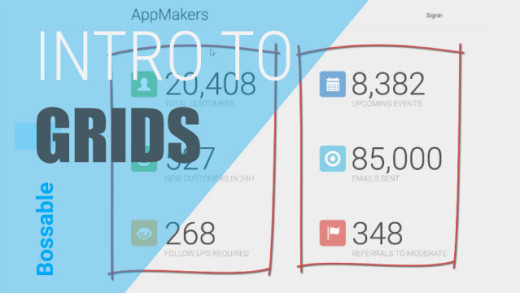
We look at:
– Our App Designs (use cases, storyboard, and wireframes)
– We’ll then take the design and split it into a Bootstrap grid layout.
– Locating the home page in the MEAN Stack app structure
– We start building a responsive web app using Bootstrap!

Overview of the MEAN Stack App Structure Day 1

5228 0

An overview of the key files and folders in the MEAN Stack App Structure. What is the mean stack? What’s in folders like: Public, App, Config, Node_Modules?

The 30 Day MEAN Stack Honolulu Challenge

5416 13

30 jam packed videos with something that you can do with your MEAN Stack app, in less than 15 minutes. A great example and tutorial challenge for anyone new to the mean stack.

Bossable - From idea to boss, with fun and friendly tutorials and videos
  • © Bossable 2015
  • Tech
  • Mean Stack
  • Contact Us
  • Privacy
  • Terms
  • Close
  • Latest
  • Store
  • Mean Stack
  • 30 Day MEAN Stack Challenge
  • Web Apps
  • Tech
  • Say Hello